Your whole month, at a glance.
Every scheduled post across all six platforms, on one visual calendar. Spot the gaps, drag to reschedule, and plan weeks ahead — in minutes, not hours.
Free plan forever · No credit card · Cancel anytime
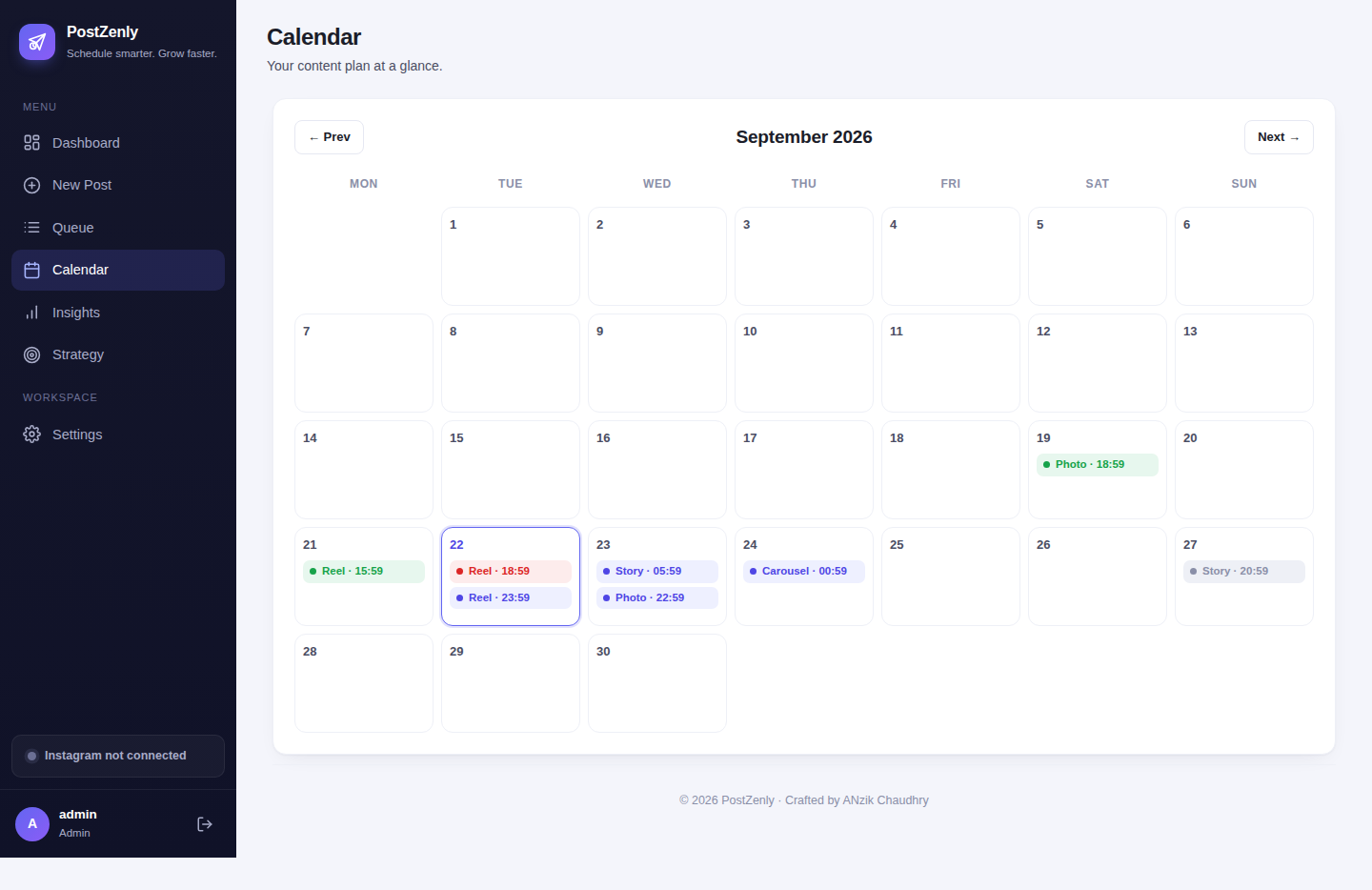
One calendar. Every network you post on.
Each platform's posts live side by side, color-coded and previewable — no more guessing what's going out where.
From blank calendar to booked month in three steps
Planning a month of content shouldn't take a month.
See everything
Week and month views show every scheduled post across all six platforms. Color-coded by network and previewable in place — the full picture, instantly.
Drag to reschedule
Plans change. Drag any post to a new day or time — it saves instantly, no forms, no confirmation dialogs. Move a whole campaign week in seconds.
Spot the gaps
Best-time heatmaps show when your audience is actually online. Empty days and weak slots stand out, so you fill them before they cost you reach.
See your whole month before it happens.
A plan you can see is a plan you'll keep. No imagination required.
- ✓Week & month viewsZoom out for the month, zoom in for the week. Every post, every platform, one screen — no tab-hopping between six native apps.
- ✓Drag-and-drop reschedulingGrab any post and drop it on a new slot. Captions, media, and platform settings travel with it. Rescheduling takes seconds, not a rewrite.
- ✓Visual post previewsSee the actual image, caption, and platform for each scheduled post right on the calendar. What you see is what's going out.
- ✓Plan months aheadQueue content as far out as you like. Seasonal campaigns, launches, holiday pushes — booked before the rush, published on the day.
- ✓Spot the gapsThin weeks jump out visually. Fill them from the media library or with an AI-drafted caption before your feed goes quiet.
- ✓Best-time heatmapsYour audience's activity, mapped onto the calendar. Schedule into the bright slots; skip the dead ones. Built in, on every plan — including free.
Plan like a team, even if it's just you.
Reviews, notes, and multiple brands — without the spreadsheet chaos.
- ✓Approval workflowDrafts wait for a thumbs-up before they publish. Reviewers approve or request changes; nothing goes live unreviewed. (Growth and Agency)
- ✓Internal notesLeave context on any post — client asked for a warmer tone — visible to your team, never to your audience. (Growth and Agency)
- ✓Multiple brands, one calendarAgencies run up to ten brands from one login. Switch brand views in a click; each client's calendar stays separate and tidy.
- ✓Bulk import onto the calendarDrop a CSV and watch a month of posts land on the calendar at once. Review, drag, polish — then let it publish. (Creator and up)
- ✓Per-post analyticsAfter publishing, results attach to the calendar entry. Next month's plan starts from what actually worked, not what you guessed. (Growth and Agency)
- ✓Roles that make senseAdmins, editors, approvers, and client-view seats. Everyone sees what they need; nobody breaks what they shouldn't. (Growth and Agency)
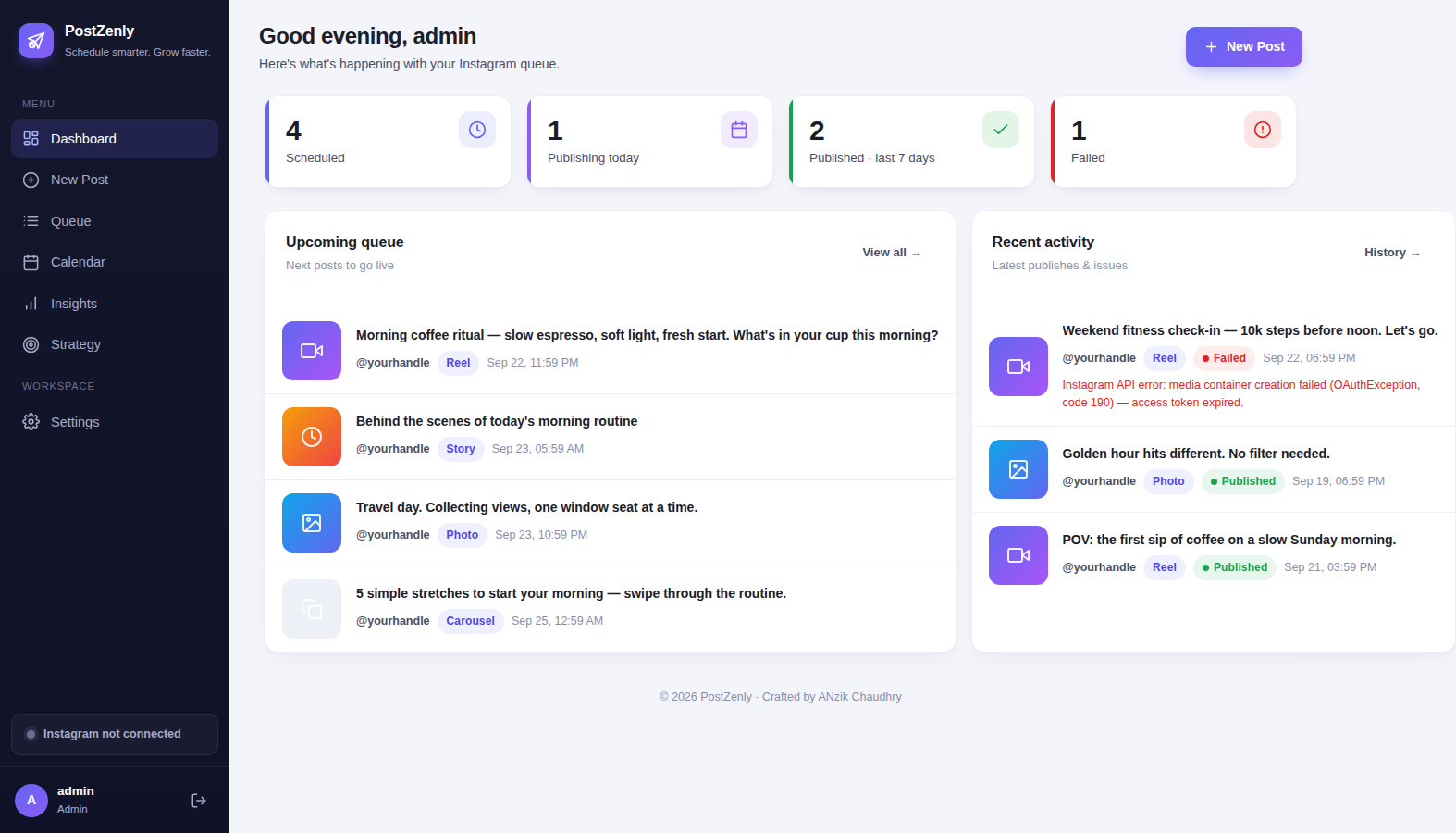
If your content plan lives in a spreadsheet, your posting lives on your phone
And the two keep drifting apart. One tool fixes that.
| PostZenly calendar | Spreadsheets + native apps | |
|---|---|---|
| See every network at once | ✓ One visual calendar, color-coded | ✗ six apps plus a spreadsheet tab |
| Reschedule a post | ✓ Drag it — done in seconds | ✗ re-type the date, re-upload the media |
| Preview before publishing | ✓ Actual post preview on the calendar | ✗ hope the caption fits |
| Posts publish themselves | ✓ Auto-publish at the planned time | ✗ a phone reminder you snooze |
| Plan a month ahead | ✓ One focused session | ✗ hours every single week |
| Time to plan a month | ✓ About an afternoon | ✗ hours, every week, forever |
| Risk of missed posts | ✓ None — it's queued and flagged | ✗ high — it depends on memory |
A spreadsheet is where plans go to be forgotten. Put the plan and the publishing in the same tool, and they stop drifting apart.
See next month today.
Connect your accounts and your calendar starts filling up in minutes.
Content calendars, explained plainly
Strategy on dates. Here's how to think about it.
What is a social media content calendar?
A visual layout of what you're publishing, where, and when. It's the difference between saying we should post more and knowing exactly what's going out Tuesday at 9am.
Content plan vs content calendar
The plan is the strategy — your topics, goals, and how often you post. The calendar is that strategy laid out on dates. PostZenly holds both: plan the pillars, see them on the calendar.
How far ahead should I plan?
Most consistent creators plan 1–4 weeks ahead. Consistency beats volume — 3–5 quality posts a week on your main network outperforms daily filler, and cross-posting stretches one session across all networks.
What should a good calendar tool include?
A visual month and week view, multi-network scheduling, drag-and-drop, bulk import, approvals, and auto-publishing — without an enterprise price tag. That's the checklist PostZenly was built against.
Do I still need the native apps?
For scrolling, sure. For publishing, no — scheduled posts go out through the official APIs on their own. Keep the apps for inspiration; leave the logistics here.
Built for every kind of planner
One calendar, four very different workflows.
Small business owners
Plan the month's posts in one afternoon, then get back to running the business.
Creators
A visual month means no more what-do-I-post-today — batch it, schedule it, get back to creating.
Social media managers
Every client's month on one screen, with approvals keeping every post on-brand.
Agencies
Ten brand calendars, one login, zero spreadsheet chaos — plus client-view seats for sign-off.
Calendar questions, answered
Everything about planning visually with PostZenly.
What is a social media calendar?
Can I drag and drop posts to reschedule?
Which platforms show on the calendar?
How far in advance can I schedule?
Does it show the best time to post?
Can my team collaborate on the calendar?
Can I import posts in bulk?
What happens if a scheduled post fails?
Is there a free plan?
See next month before it happens.
Your content, your calendar, your rules.
Free plan forever · No credit card · Cancel anytime