Pins that keep working while you sleep
Batch-schedule Pins across all your boards. One focused session covers weeks of publishing — and every Pin keeps driving traffic for months.
Free plan forever · No credit card · Pinterest review in progress
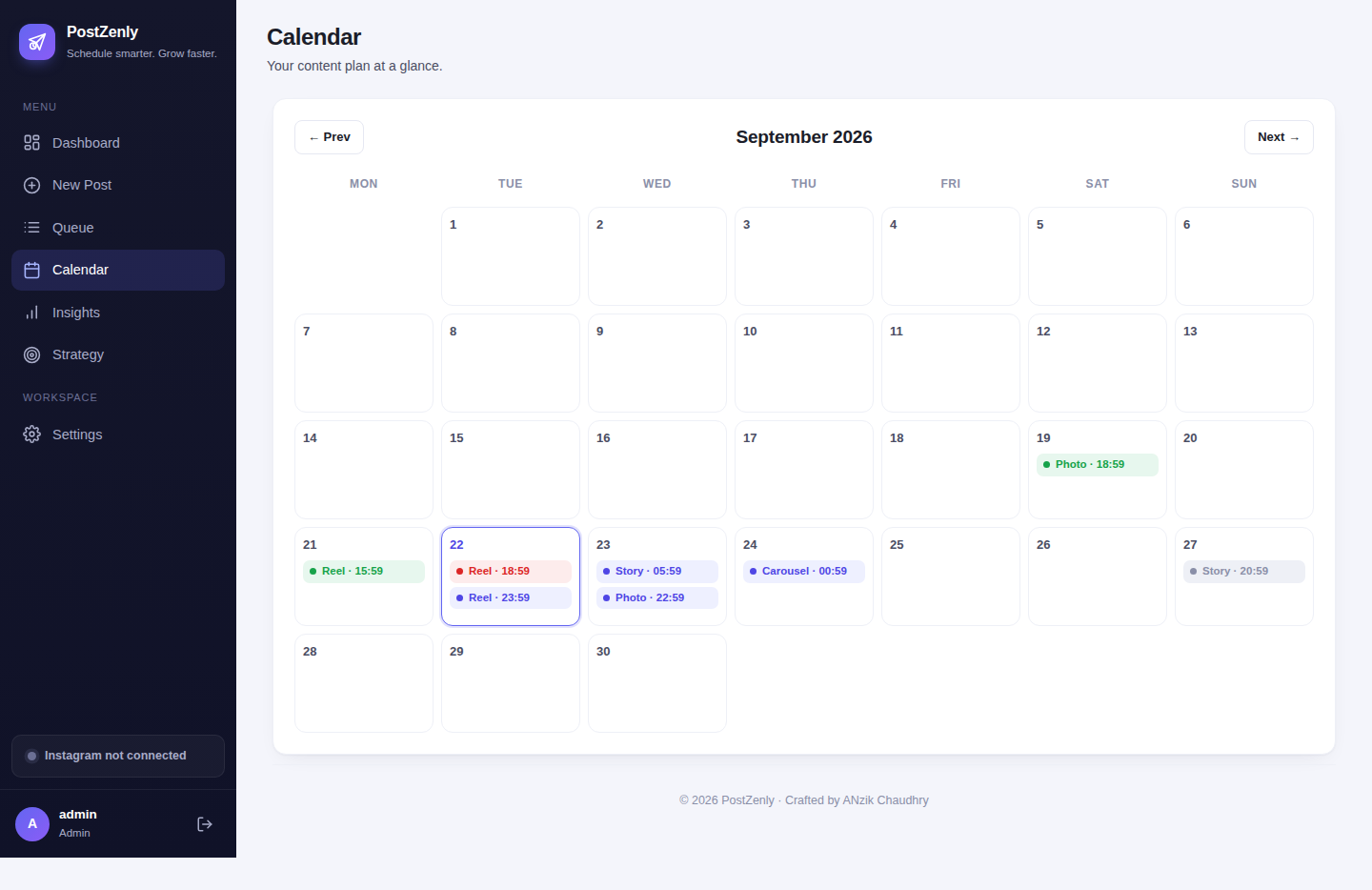
From design to published in three steps
Design in batches. Schedule in one sitting. Let every Pin compound.
Design your Pins
Upload images or video, add keyword-rich titles and descriptions that help people find them. AI helps when words run dry.
Pick boards & times
Choose which boards each Pin goes to and when — or let PostZenly stagger them for a steady cadence.
Publish on autopilot
Pins go live on schedule through the official API while you focus on creating. Every Pin keeps working, month after month.
Every board, always fresh
Consistency is what makes Pinterest work. Stay active without daily effort.
- ✓Multiple boards, one composerSend each Pin to exactly the boards it belongs on — no re-uploading per board.
- ✓Board-specific descriptionsTweak titles and descriptions per board for better discovery.
- ✓A steady cadencePlan weeks of pinning ahead so no board ever goes quiet.
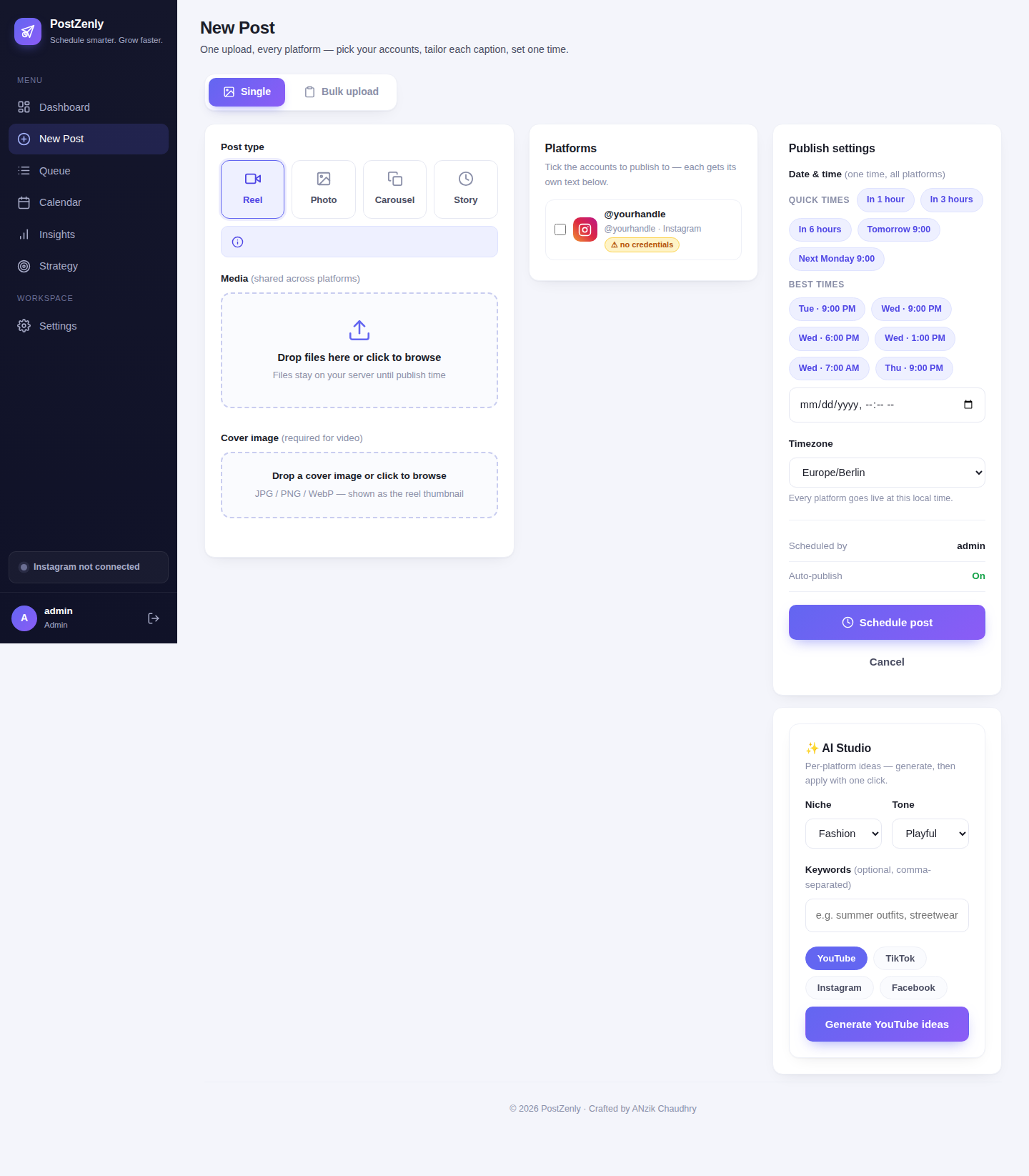
A month of Pins in one afternoon
Batch your pinning. One focused session covers weeks of publishing.
- ✓CSV bulk uploadUpload dozens of Pins at once — one row per Pin with title, description, board and time. (Creator plan and up.)
- ✓Assign in one dragDrop Pins onto boards and calendar slots as you go — no repetitive forms.
- ✓Image & video PinsBoth formats schedule the same way, from the same queue.
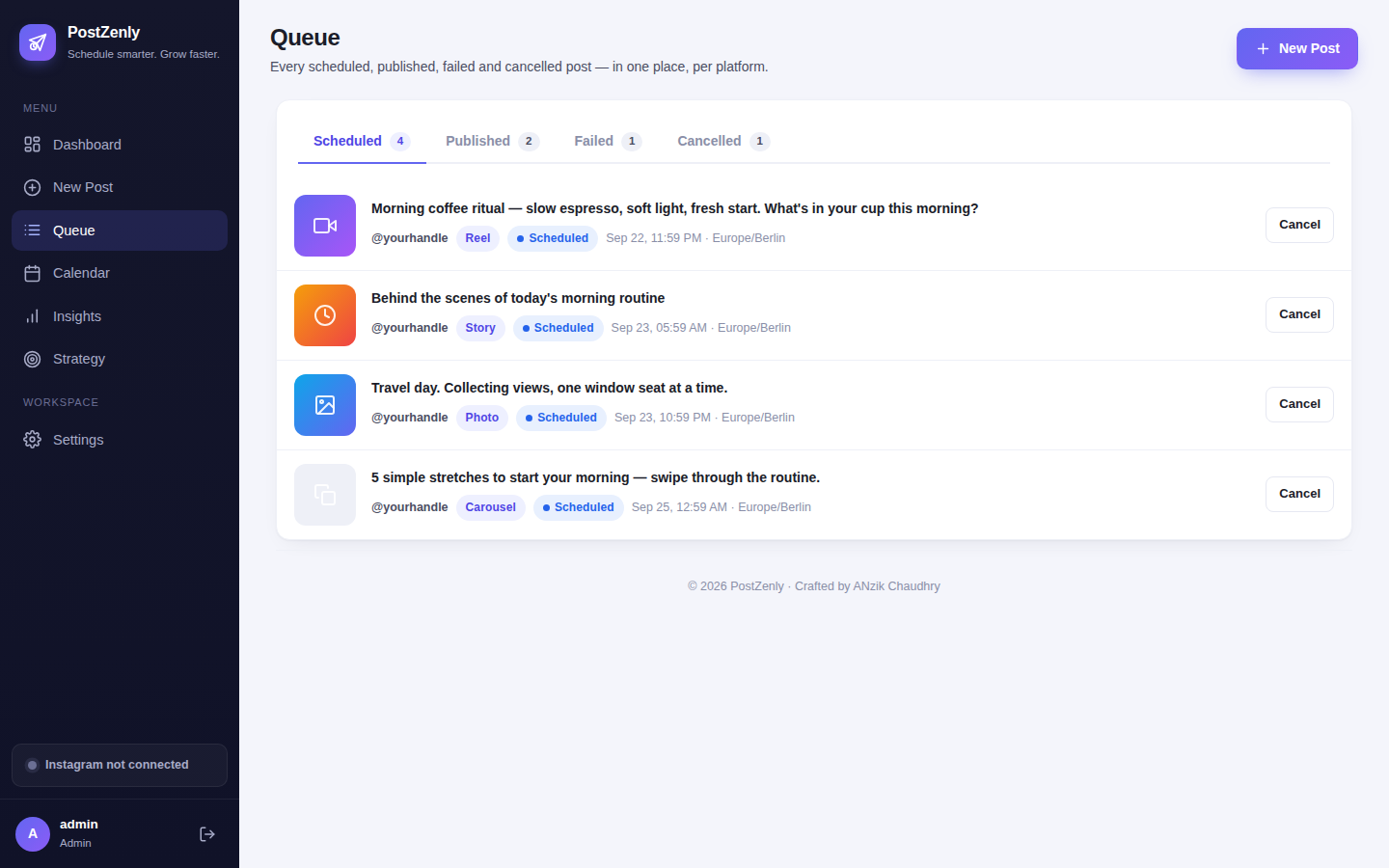
Descriptions that get found
Pinterest is a search engine. Write like one.
- ✓Keyword-rich descriptionsAdd the terms your audience actually searches — per Pin, per board.
- ✓AI writing helpStuck on the tenth description? AI drafts keyword-aware copy in your voice.
- ✓Saved hashtag setsReuse your best tag combinations across whole campaigns.
Your best Pins, on repeat
A Pin that drove traffic in March can drive traffic in September. Let it.
- ✓Recycle winnersSet your top-performing Pins to republish on a schedule — automatically. (Growth plan and up.)
- ✓Compounding trafficEvergreen Pins keep surfacing in search long after the original publish date.
- ✓Hands-off consistencyYour boards stay fresh even in months you create nothing new.
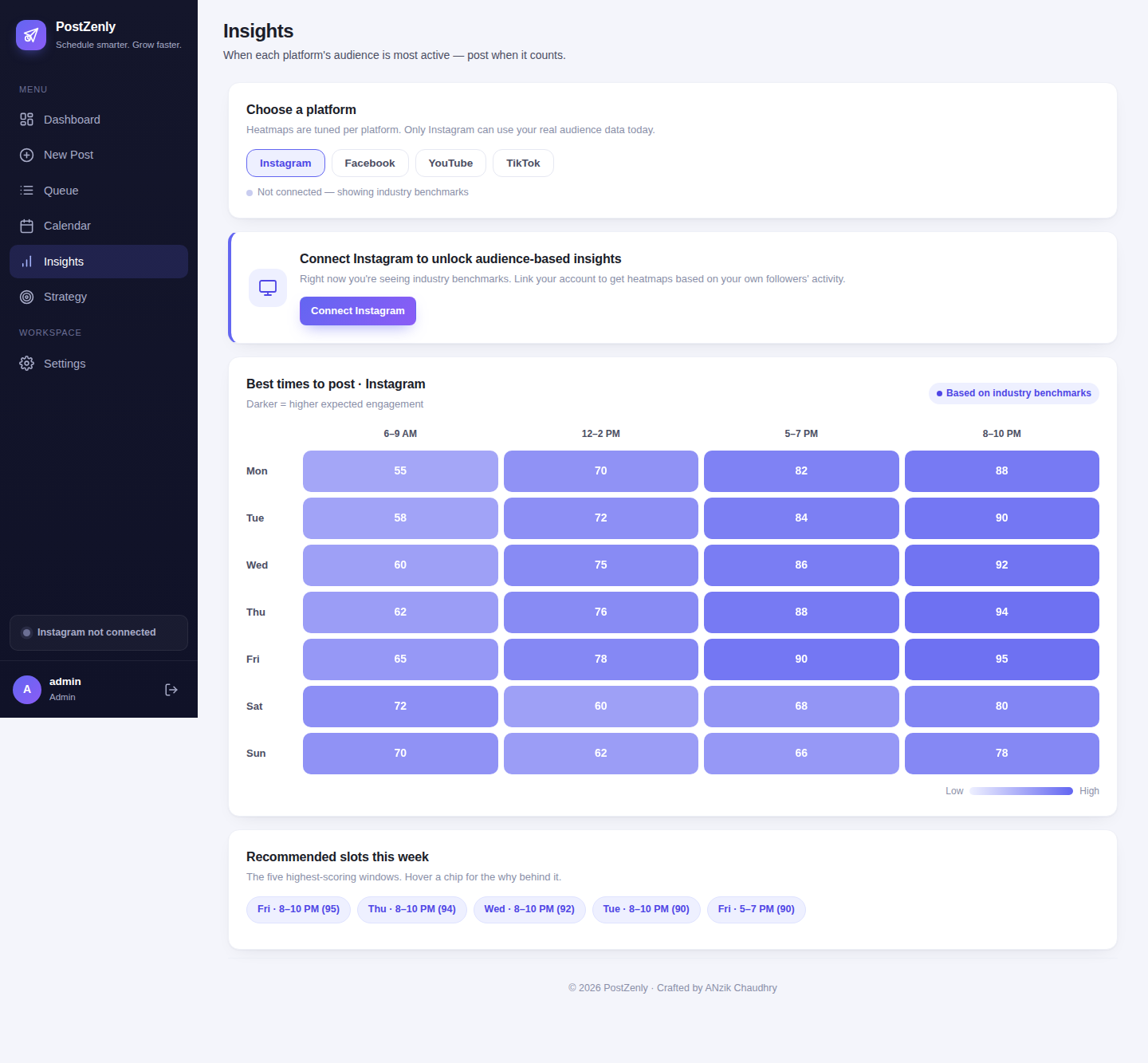
PostZenly vs pinning by hand
Manual pinning rewards whoever has the most free time. A scheduler rewards whoever has the best content.
| PostZenly | Pinning by hand | |
|---|---|---|
| Schedule weeks of Pins | ✓ One sitting | ✗ One Pin at a time |
| Publish to multiple boards | ✓ One composer | ✗ Board by board |
| Bulk upload dozens of Pins | ✓ CSV upload | ✗ Manual, every one |
| Keyword descriptions at scale | ✓ AI-assisted | ✗ Re-type each time |
| Evergreen recycling | ✓ Automatic | ✗ Re-pin manually |
| See what's driving traffic | ✓ Per-Pin analytics | ✗ Guesswork |
If pinning eats an hour you don't have, every single day — that's the problem a queue solves.
Built for visual businesses
Anyone whose content deserves a longer shelf life than a feed post.
Bloggers
Every article gets a Pin. Every Pin drives traffic for months — scheduled in one batch.
E-commerce
Product Pins across every board and season, planned ahead of the rush.
Creators
Repurpose your best visuals into Pins that keep working while you make the next thing.
Agencies
Client boards, campaigns and seasonal pushes — all from one dashboard.
A Pin published today can drive traffic for months.
Start your queue today — free.
Pinterest scheduling, answered
Straight answers — including exactly where our Pinterest review stands.
Will my Pins be public?
Can I schedule Pins to multiple boards?
Can I bulk upload Pins?
Do video Pins work?
What is evergreen recycling?
Is it safe for my Pinterest account?
Can I try it for free?
Start scheduling your Pins today.
Your boards stay fresh while you focus on creating.
Free plan forever · No credit card · Pinterest review in progress
Schedule everywhere, from one calendar
One PostZenly plan covers all your social accounts.