Upload once. Published on schedule, every time.
Schedule long-form videos and Shorts from your desktop. Titles, descriptions, tags and the first comment — all ready before upload day.
Free plan forever · No credit card · Cancel anytime
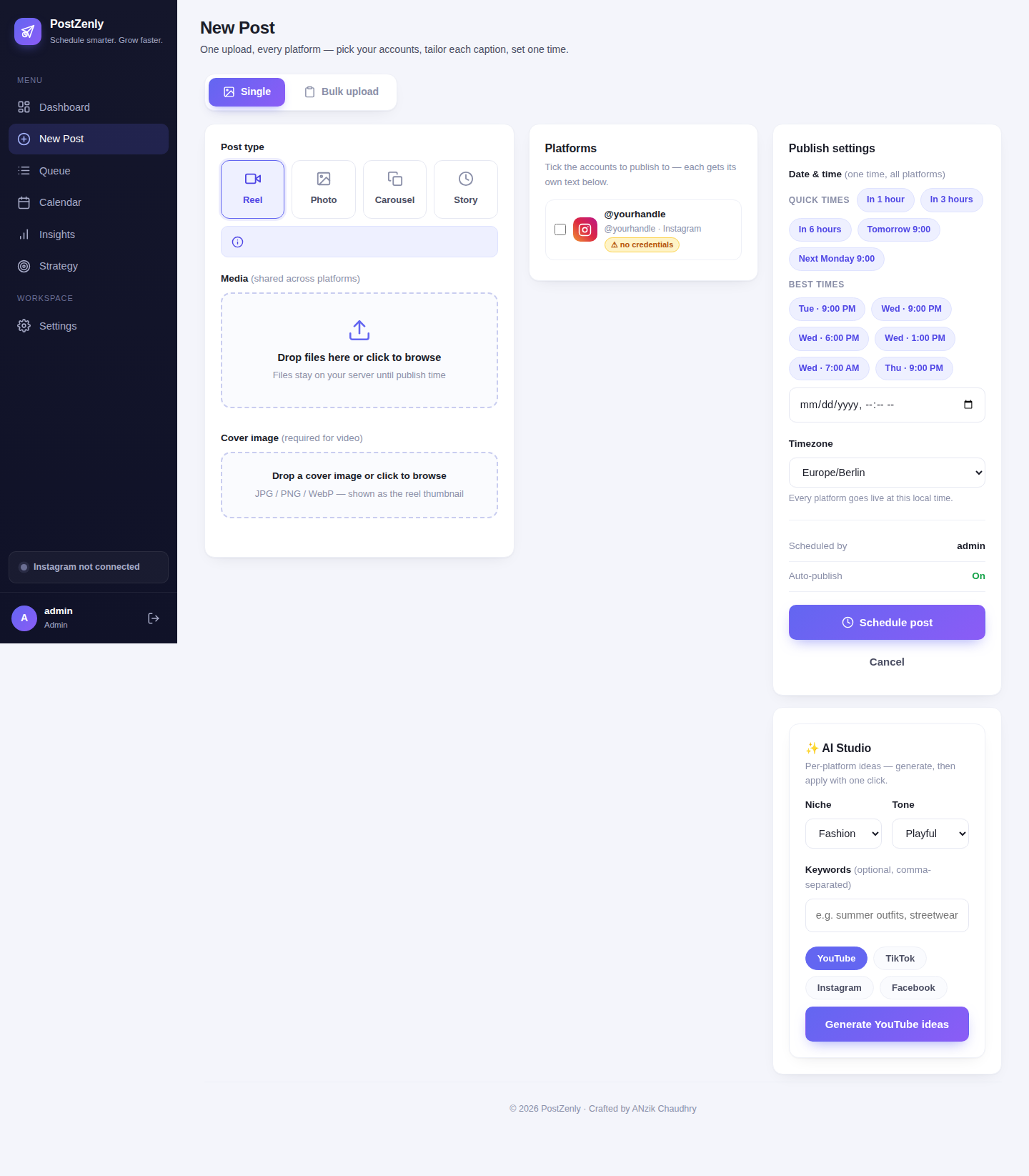
Upload day, without the upload-day scramble
Finish the video. Schedule everything around it. Go back to creating.
Upload your video
Upload long-form videos or Shorts straight from your desktop — no YouTube Studio tab juggling.
Optimize the metadata
AI drafts titles, descriptions and tags in your voice. Set the first comment with your links and CTAs.
Auto-publish
Your video goes live at the scheduled time through the official API. Thumbnails stay where they belong — set them in YouTube Studio.
Your upload day, without the upload day
Batch your uploads like you batch your filming.
- ✓Desktop uploadsUpload videos and Shorts directly from your computer — no phone, no workarounds.
- ✓Shorts + long-formBoth formats schedule from the same composer, on the same calendar.
- ✓Schedule weeks aheadFinish a filming sprint and line up the next month of uploads in one go.
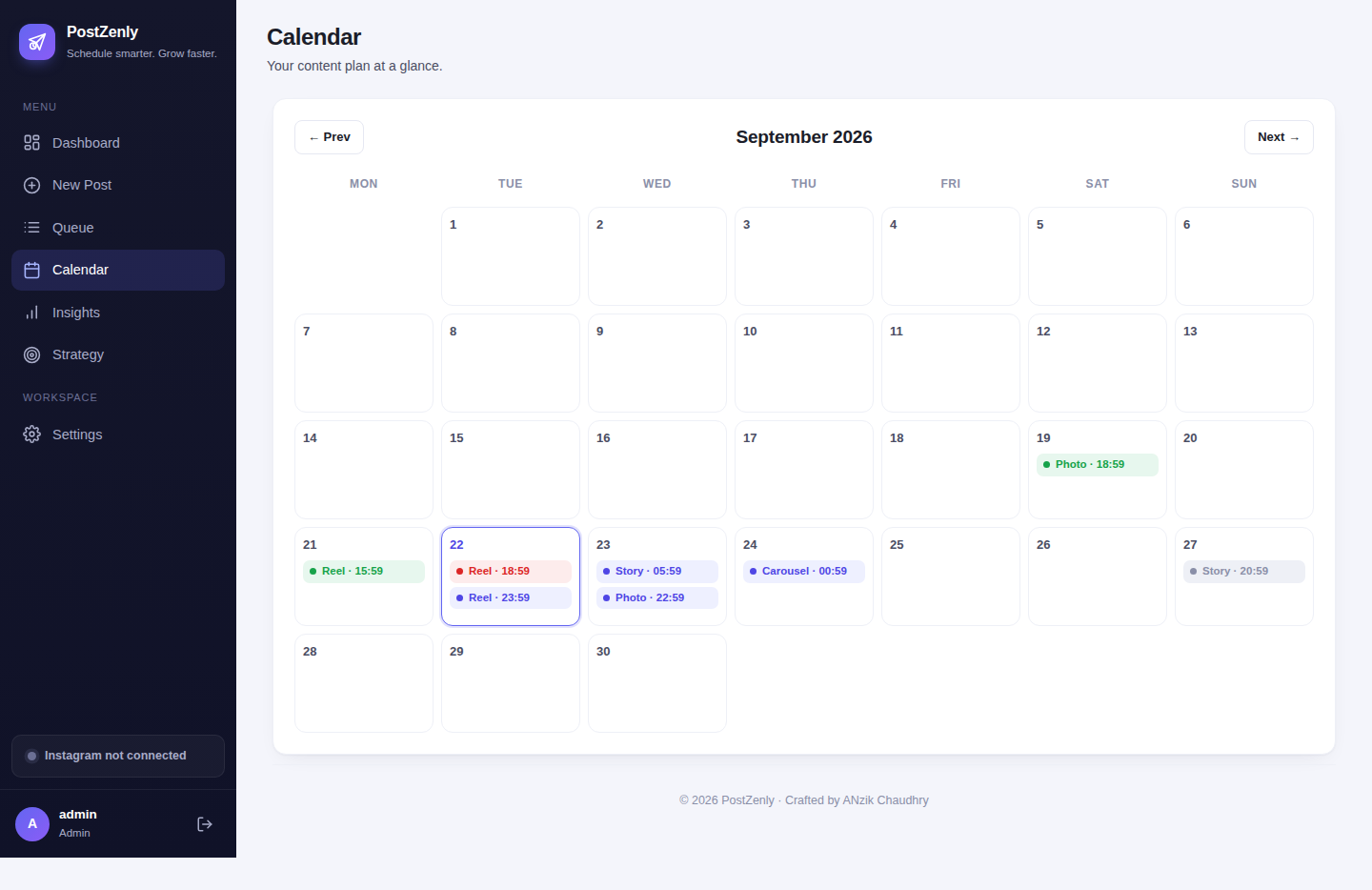
Titles and descriptions that get found
The algorithm can't recommend what it can't understand. Say it clearly.
- ✓AI titles & descriptionsKeyword-aware titles and SEO-friendly descriptions drafted in your voice — edit until they sound like you.
- ✓Tag suggestionsRelevant tags with every upload, so your videos surface in search and suggested.
- ✓Per-video tuningLong-form gets depth, Shorts get punch — metadata tuned for the format, never generic.
Pin your links in the comments
Your description has the links. Your first comment makes sure they're seen.
- ✓Automatic first commentCTAs, affiliate links and timestamps publish as the first comment seconds after your video goes live. (Creator plan and up.)
- ✓Tracked linksUse built-in short links and know exactly which videos drive clicks.
- ✓Set it while draftingWrite it once with the upload — never open YouTube Studio just to comment on your own video.
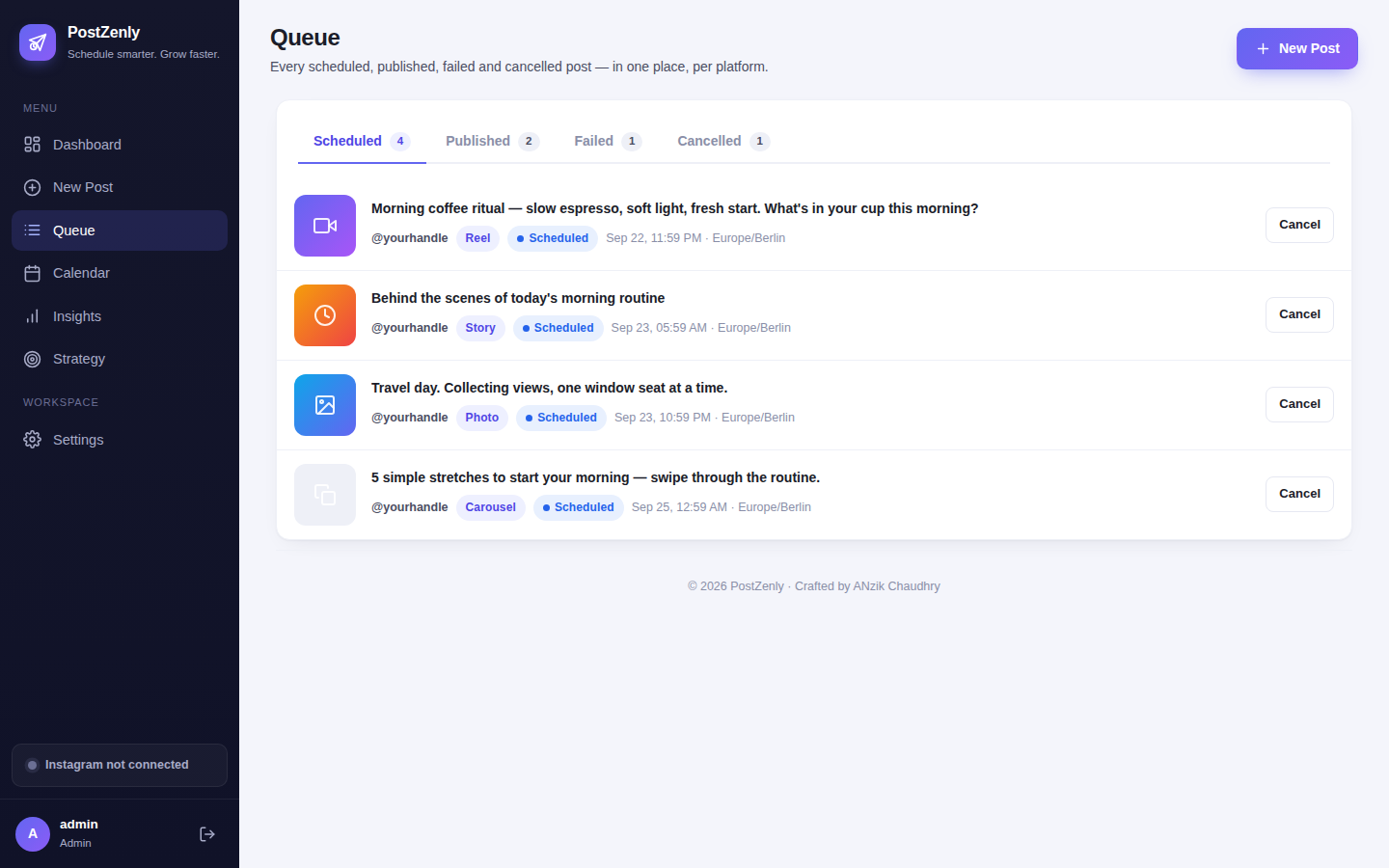
One video, every feed
Your Short took an hour to edit. Let it work on three platforms.
- ✓Shorts to TikTok & ReelsCross-post every Short to TikTok and Instagram Reels in one click.
- ✓Per-platform captionsTweak the caption for each network without re-uploading anything.
- ✓No watermarksNative uploads everywhere — your content never looks recycled.
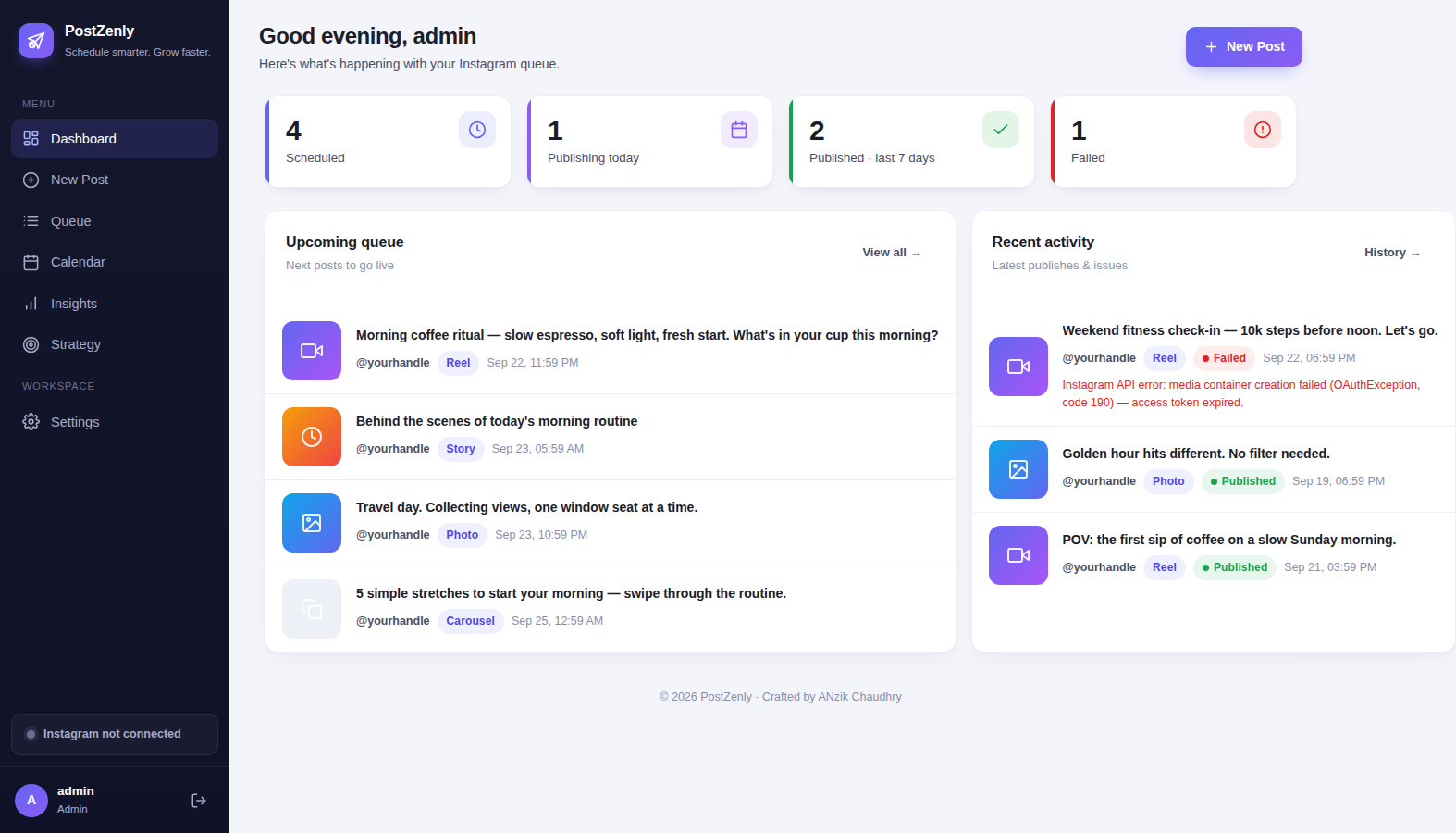
PostZenly vs YouTube Studio scheduling
YouTube Studio schedules one video fine. PostZenly turns uploads into a system.
| PostZenly | YouTube Studio scheduling | |
|---|---|---|
| Schedule from a visual content calendar | ✓ Built in | ✗ One video at a time |
| AI titles, descriptions & tags | ✓ Included | ✗ Write it all yourself |
| Automatic first comment | ✓ Scheduled | ✗ Manual |
| Cross-post Shorts to TikTok & Reels | ✓ One click | ✗ Re-upload everywhere |
| Bulk-schedule uploads | ✓ CSV upload | ✗ One by one |
| Manage multiple channels | ✓ One dashboard | ✗ Constant switching |
Studio is where you set thumbnails and premieres — honestly, keep those there. Everything else, schedule here.
Built for every kind of channel
From weekly vloggers to full production teams.
Creators
Batch film, batch upload, batch schedule. Your upload schedule survives your busiest months.
Shorts creators
Daily Shorts without daily uploads. Film twenty, schedule thirty days.
Businesses
Product videos, tutorials and testimonials — published consistently without a video team.
Agencies
Every client's channel from one dashboard, with approvals before anything goes live.
Your next upload is already filmed. Schedule it.
Titles, tags and first comment — done in minutes, free.
YouTube scheduling, answered
Honest answers about what we schedule — and what stays in YouTube Studio.
Can I schedule YouTube videos in advance?
Can I set thumbnails in PostZenly?
Does PostZenly support premieres?
Does the first comment post automatically?
Can I manage multiple YouTube channels?
Is it safe for my channel?
Can I try it for free?
Start scheduling your YouTube uploads today.
Upload day, handled — before upload day.
Free plan forever · No credit card · Cancel anytime
Schedule everywhere, from one calendar
One PostZenly plan covers all your social accounts.