Plan, schedule and auto-publish your Instagram content
Feed posts, Reels, carousels and Stories — created on your desktop, published automatically at the perfect time. No phone reminders, no missed posts.
Free plan forever · No credit card · Cancel anytime
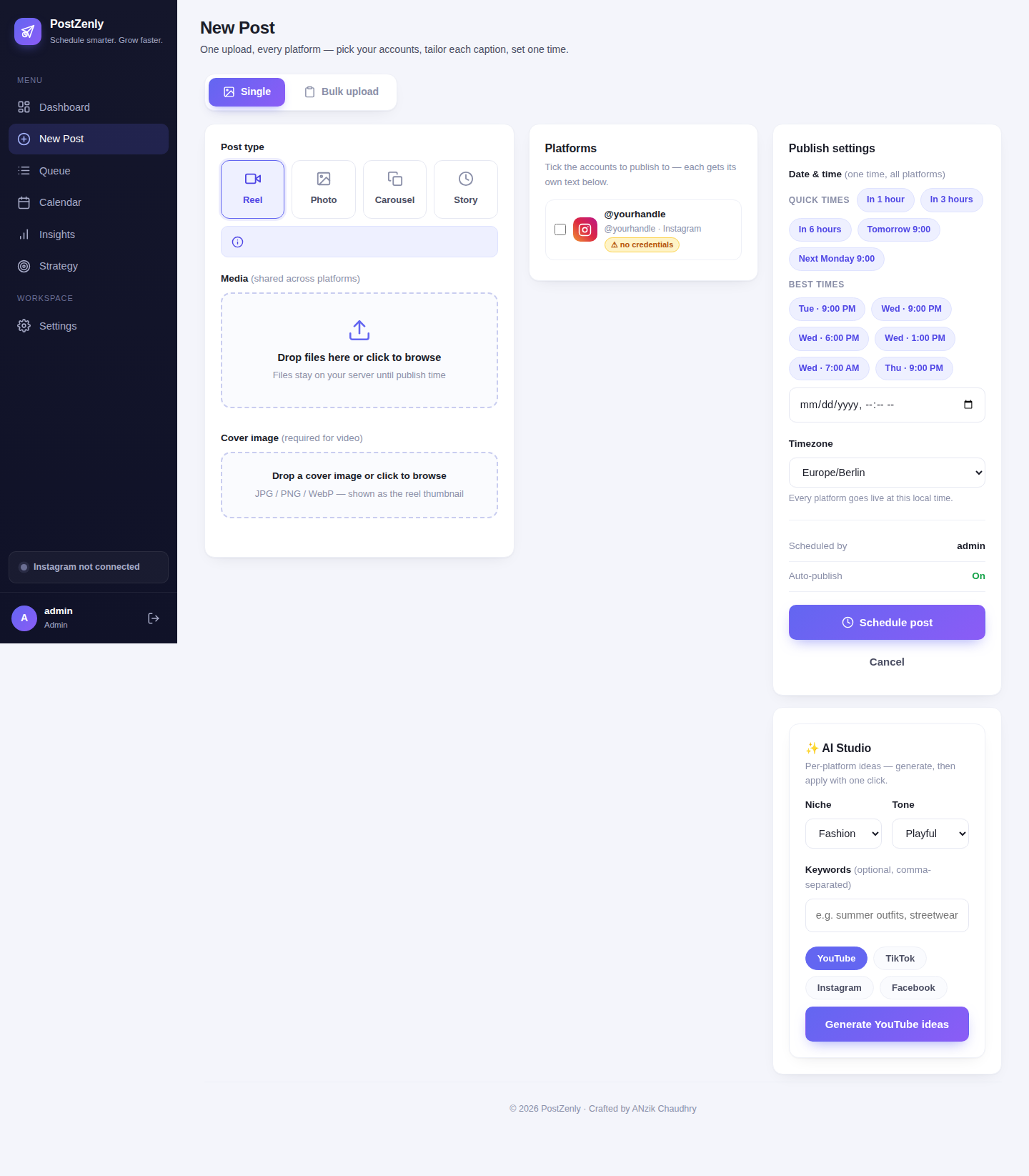
From idea to published in three steps
No last-minute phone uploads. No missed posts. Just consistent Instagram content on autopilot.
Create in the composer
Upload photos and videos, write your caption — or let AI draft it in your voice. Hashtags and first comment included.
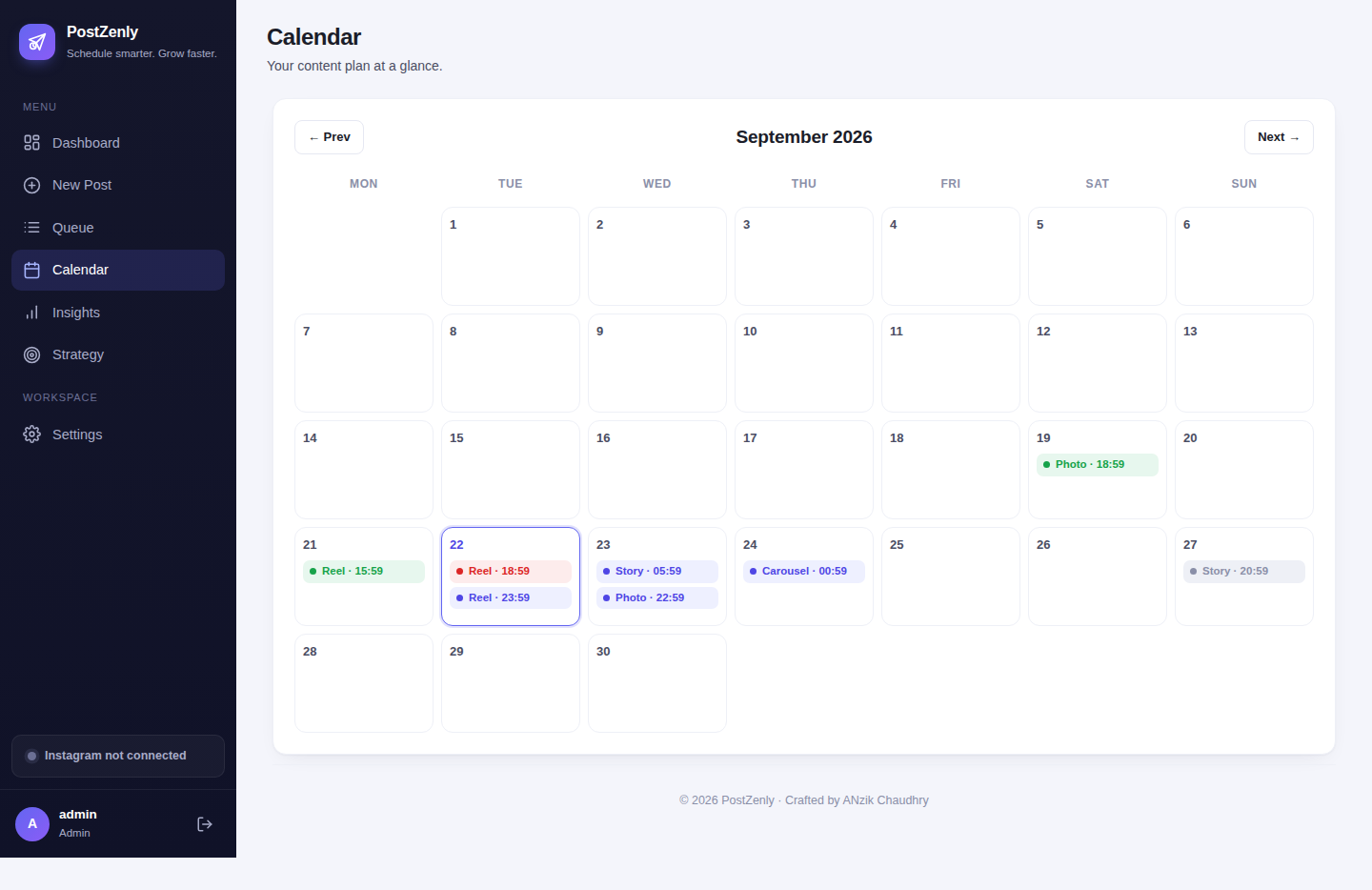
Plan your grid
See your whole month on the calendar and preview your profile grid before anything goes live. Drag to rearrange in seconds.
Auto-publish & go
Posts, Reels, carousels and Stories publish themselves at the scheduled time — straight from your desktop, no phone needed.
Your feed, planned before it's posted
Stop guessing what your profile will look like. See it first, then publish.
- ✓Visual grid previewPreview exactly how your next 9 posts sit together on your profile before anything goes live.
- ✓Drag-and-drop rearrangeMove any post to a new day or a new grid position in seconds — no re-uploading.
- ✓Plan weeks aheadBatch a month of content in one sitting and watch the grid fill itself.
Reels that post themselves
Short-form is where the reach is. Schedule it like everything else.
- ✓Direct Reel publishingReels publish automatically through the official API — no push notification, no phone.
- ✓Covers & captionsSet cover frames, write captions and add hashtags right in the composer.
- ✓Repurpose everywhereThe same video goes out as a TikTok and a YouTube Short in one click — no watermarks.
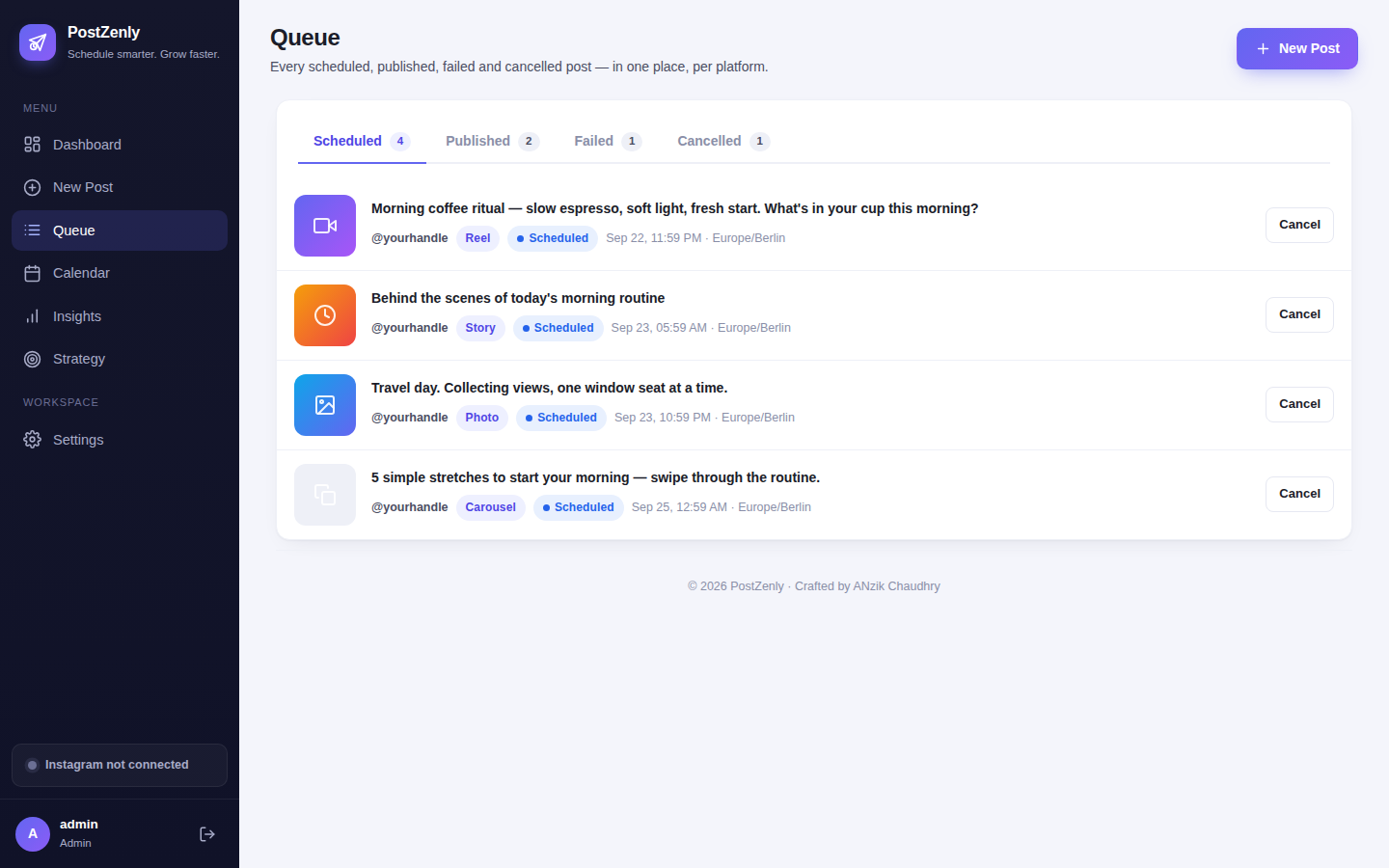
Stories, scheduled ahead
Stay at the top of the feed every day — without opening the app every day.
- ✓Image & video StoriesSchedule both photo and video Stories in advance, days or weeks ahead.
- ✓Direct publishingStories publish via the official API. Plan a full week of Stories in one sitting.
- ✓Part of the calendarStories sit next to your posts and Reels on one visual calendar — nothing falls through.
Clean captions, full reach
Hashtags work. Cluttered captions don't. Put the tags where they belong.
- ✓Automatic first commentYour hashtags publish as the first comment seconds after your post goes live. (Creator plan and up.)
- ✓Saved hashtag setsBuild sets for each content pillar, save them once, reuse forever — 1 on Free, unlimited on Growth.
- ✓AI hashtag suggestionsGet relevant, non-spammy hashtag suggestions with every caption draft.
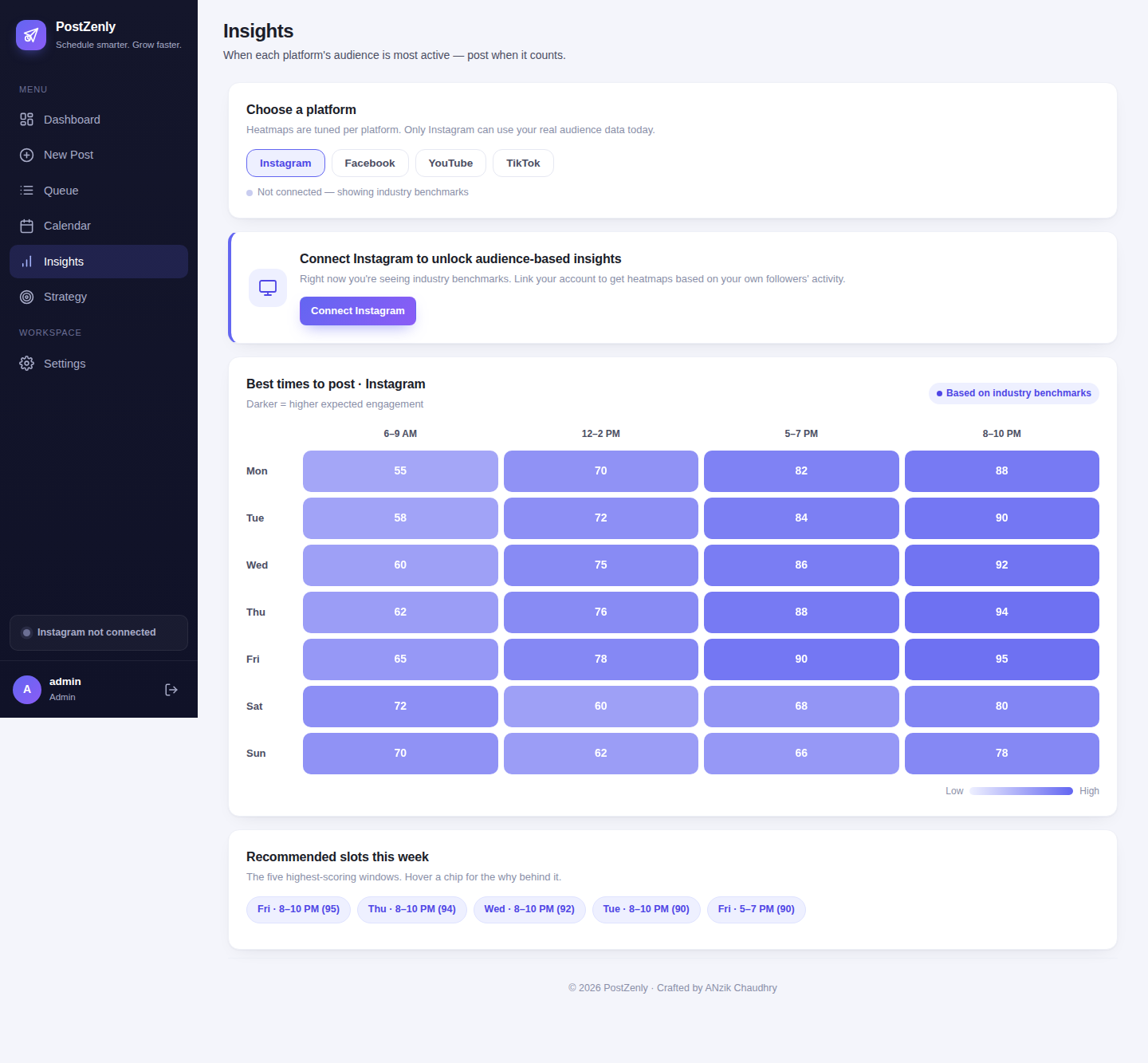
One upload, every network
Your Instagram content deserves more than one audience.
- ✓Publish to 6 platforms at onceInstagram, TikTok, Facebook, YouTube, Pinterest and X — one composer, one schedule.
- ✓Per-platform captionsTweak the caption for each network without starting over.
- ✓No watermarks, no re-uploadingNative uploads everywhere — your content never looks reposted.
PostZenly vs Instagram's built-in scheduling
Meta's scheduler covers the basics for one network. A real scheduler covers your whole content operation.
| PostZenly | Instagram / Meta Business Suite | |
|---|---|---|
| Schedule Stories | ✓ Auto-publishes | ✗ Manual only |
| Visual grid preview | ✓ Built in | ✗ Not available |
| Schedule to TikTok, YouTube, X & Pinterest | ✓ One dashboard | ✗ Meta apps only |
| Bulk upload dozens of posts | ✓ CSV upload | ✗ One by one |
| AI captions + automatic first comment | ✓ Included | ✗ Not available |
| Drag-and-drop rescheduling | ✓ Seconds | ✗ Delete & redo |
| Multi-account management | ✓ Several per platform | ✗ Constant switching |
If you've outgrown what the Instagram app can do, this is the natural next step.
Built for everyone who posts
From solo creators to full teams — one scheduler that fits how you work.
Creators
Batch a week of posts and Reels in one afternoon. Protect your weekends — the queue posts for you.
Small businesses
Stay visible every day without hiring a social media manager. Ten minutes a day, tops.
Social media managers
Multiple clients, one calendar. Approvals, bulk upload and per-post analytics built in.
Agencies
Ten brands, fifteen seats, one flat price. Client-friendly review without the email chains.
Your next month of Instagram, planned in one afternoon.
Upload in bulk, preview the grid, let it publish.
Instagram scheduling, answered
Everything you need to know before you schedule your first post.
Can I schedule Instagram posts in advance with PostZenly?
Does PostZenly auto-publish, or does it send reminders?
Can I schedule Instagram Stories?
Can I preview my grid before posting?
Can I manage multiple Instagram accounts?
Does PostZenly post the first comment?
Is it safe for my Instagram account?
Can I try it for free?
Start scheduling your Instagram posts today.
Your first scheduled post is minutes away.
Free plan forever · No credit card · Cancel anytime
Schedule everywhere, from one calendar
One PostZenly plan covers all your social accounts.